

Chrome extension for X
Your words,
in motion.
Turn X posts into animated video and GIF replies. Frame a post worth keeping, send a reaction, or add your own words.
 Add to Chrome
Free · For desktop Chrome
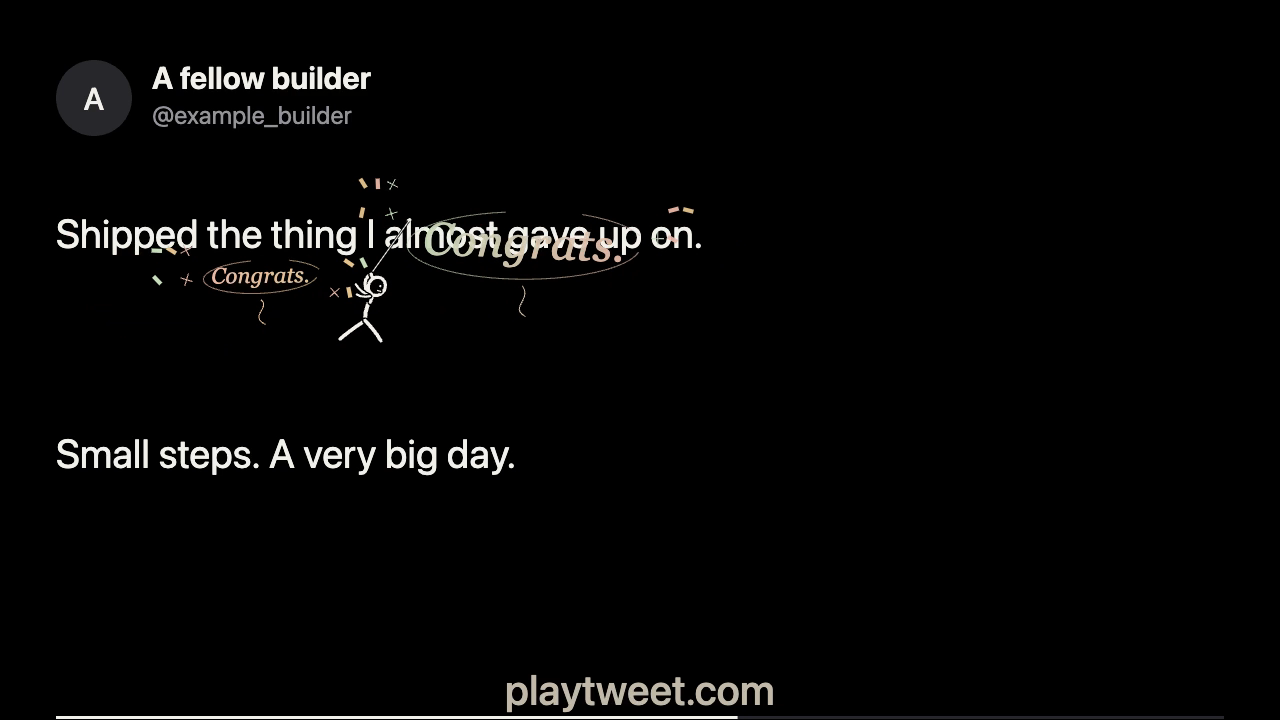
Custom text is available in PlayTweet for Chrome.
Start with a reaction. Six presets, ready to play.
Make it personal. Try custom text in the demo.
Made on your device. No AI account or credits.
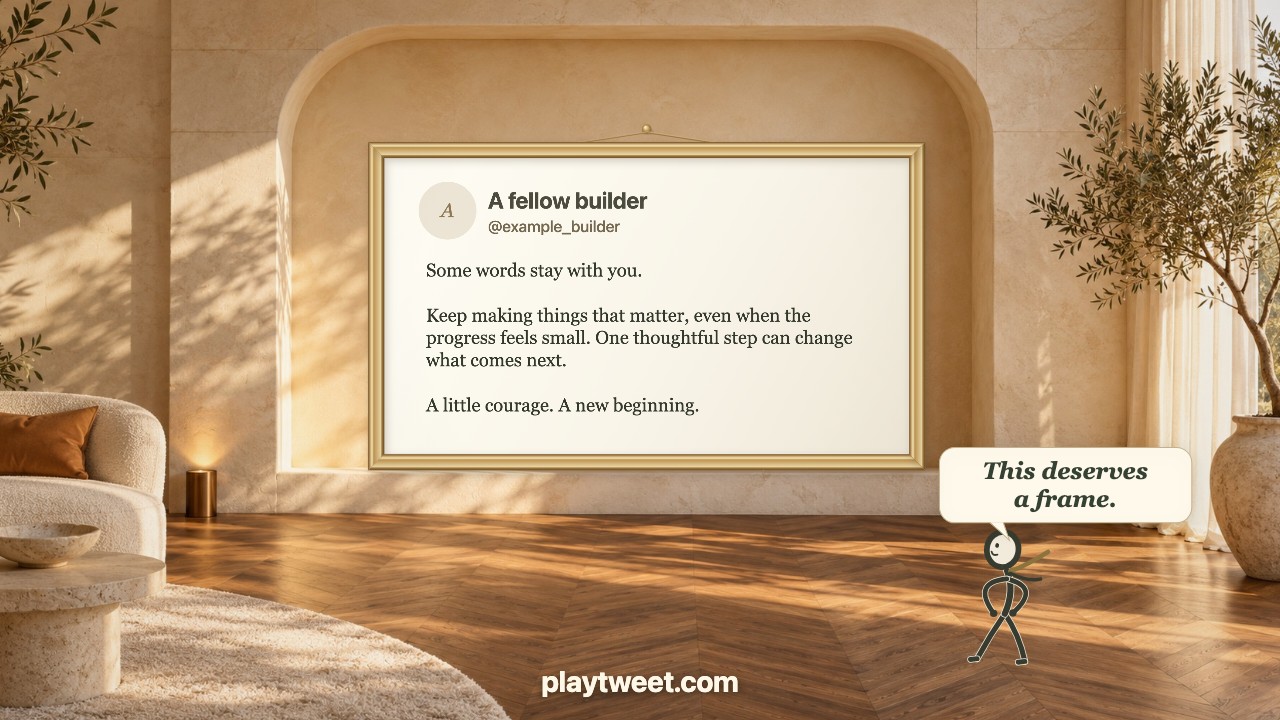
Frame it
Some words deserve
a place on the wall.
Watch the little character carry your tweet, build its frame and hang it in a sunlit room. Then step back for a well-earned “This deserves a frame.”
The whole post goes into the frame, with its author front and centre. Longer posts then unfold in readable slides.
Watch Frame itPreview the updated Frame it here. The extension update is coming after Chrome Web Store approval.
Video and GIF replies for X
Made from the post.
Made personal.
PlayTweet is a Chrome extension that turns selected text posts on X into animated video and GIF replies. A hand-drawn runner climbs, swings and celebrates around the original words, with the author’s photo, name and handle kept in the clip.
Celebrate a launch with Congrats, show appreciation with Respect, or try a custom message like “You nailed it!” or “Thanks for sharing” in the demo. Your words use the same Gold lettering and animation.
Try your own messageInside your X feed
Pick. Play. Reply.
Create the clip in your feed.
Review the draft before you post.
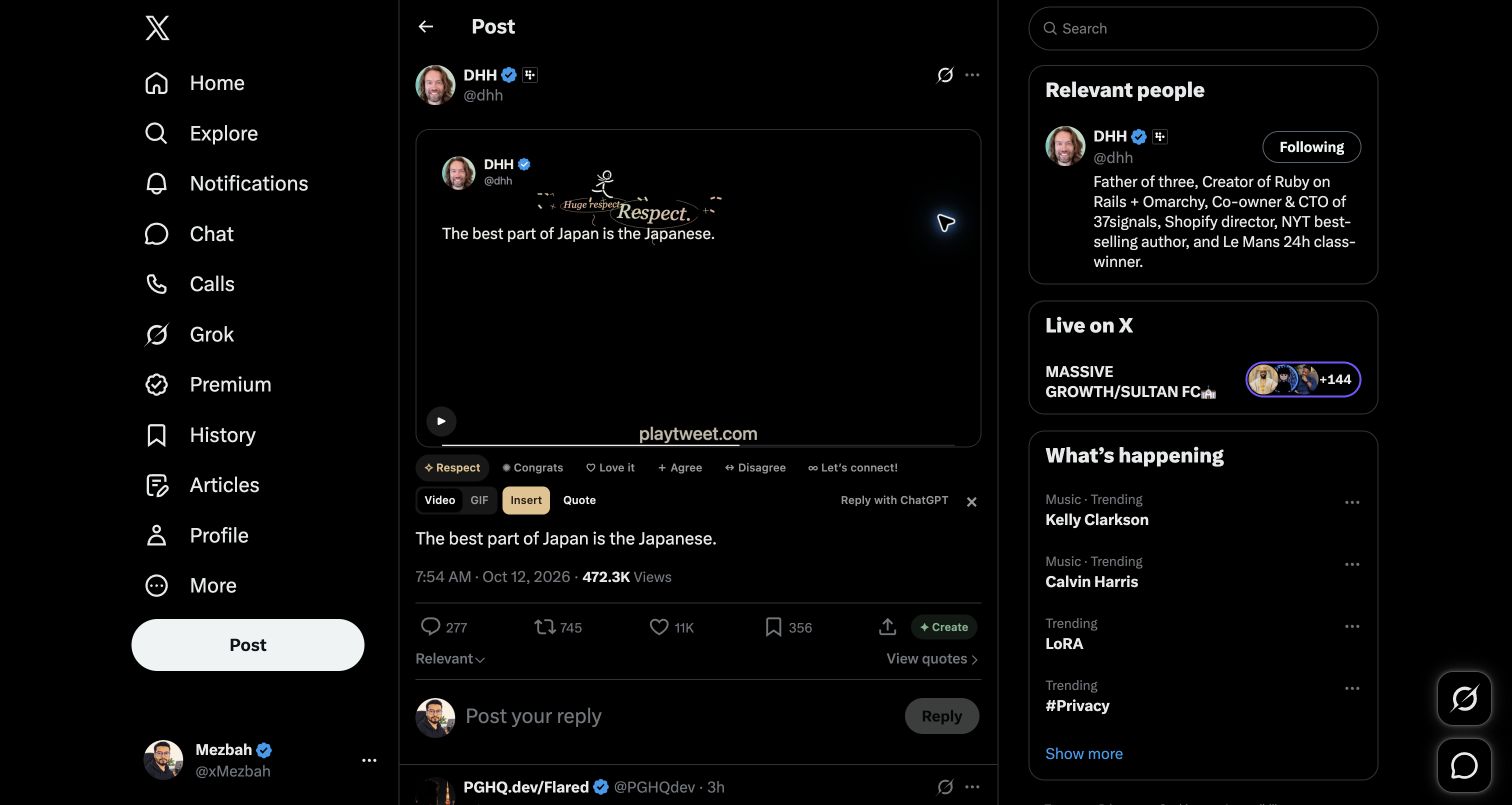
Choose Frame it or a reaction. Preview your video or GIF right in the feed.
What does Frame it do?
The character builds a champagne frame around your selected tweet, hangs it in a furnished room and steps back to admire it. The full post is shown during framing; longer posts then continue at a larger reading size. Export it as Video or GIF.
Can I use my own text?
Yes. Choose Custom in PlayTweet on X, or try the live demo. Use up to 18 characters in the same Gold animation.
What can I make with PlayTweet?
Make animated video or GIF replies from selected text posts on X. The clip keeps the original post and author details, then adds a running, climbing character and your chosen message. Longer posts continue in parts of one clip.
Do I need an AI subscription?
No. Video and GIF reactions are made on your device. They don’t use AI credits or require a ChatGPT account.
Video or GIF?
Video is the default. You can also choose GIF. MP4 support depends on your browser; a WebM download needs conversion before attaching it to X. See export formats.
What about longer posts?
The text continues in parts of one video or GIF, keeping the same frame size. GIF export is limited to two minutes.
Does PlayTweet post for me?
No. It adds the media to a reply or quote draft for you to review. X may upload the attachment while preparing that draft, before you choose to publish.
Make your next reply move.
Create video and GIF replies from the posts that catch your eye.